Tara's School
Tara’s School is the second major part of Lusha. It supports children through ADHD psychoeducation, emotion management, and social skills.
The child follows advice from Tara, a bear guide who introduces concepts through different modules. Tara then tells stories that reuse the key ideas. Finally, the child becomes the “expert”: through quests, they use their new knowledge to help animals facing difficulties such as ADHD-like symptoms, organization challenges, emotion regulation, or social situations.
Teaching approach
Section titled “Teaching approach”These contents draw on psychoeducational and behavioral approaches described in the literature, with sources of inspiration such as Evans’ meta-analysis, Abikoff’s work on organization, planning, and time management, and work by Line Massé, Villabo, and Ronna Fried. This page is informational and does not replace professional guidance.
Enter the school
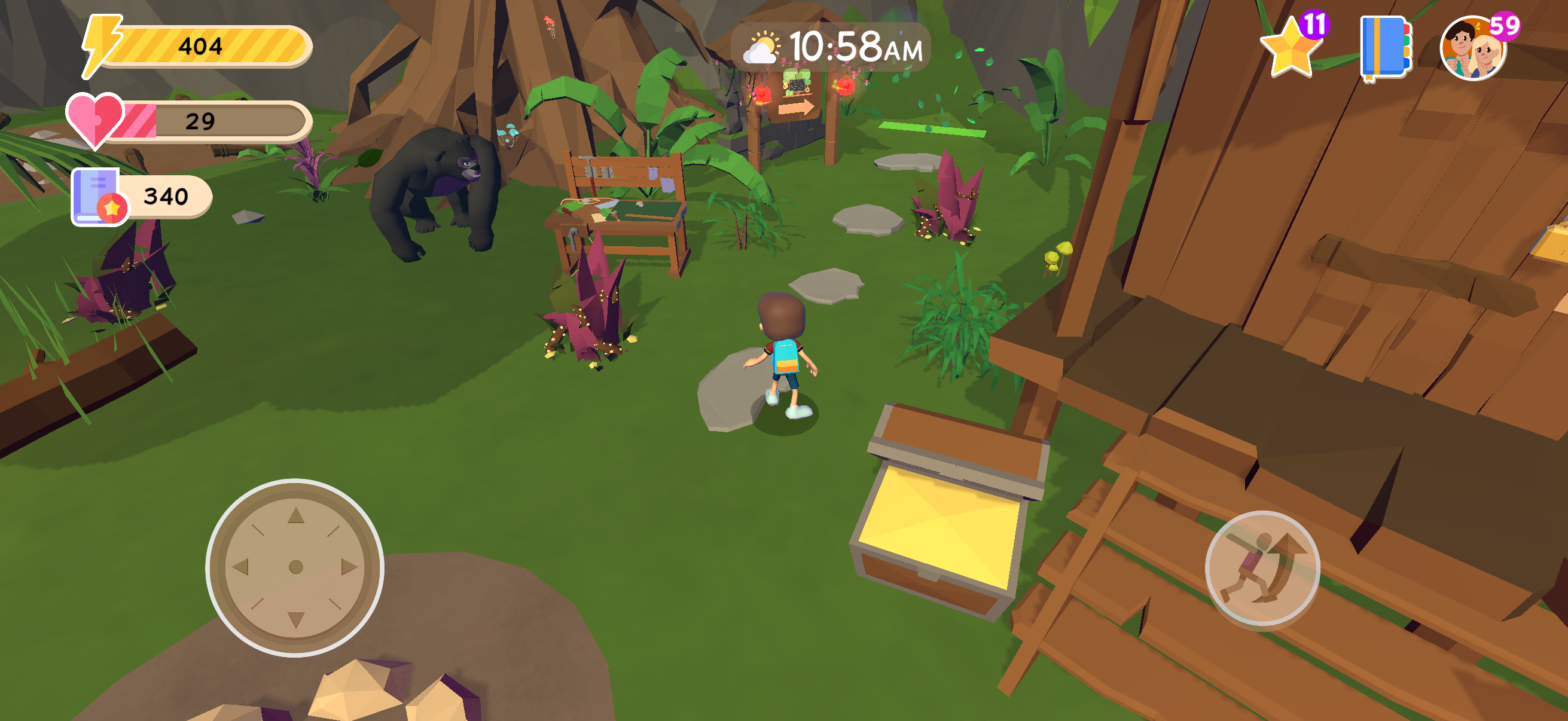
Section titled “Enter the school”In the game area, the child moves upward in the main scene. To the left of the cabin, they stand on the green area to enter Tara’s School.
Explore lessons, stories, quizzes, and rewards
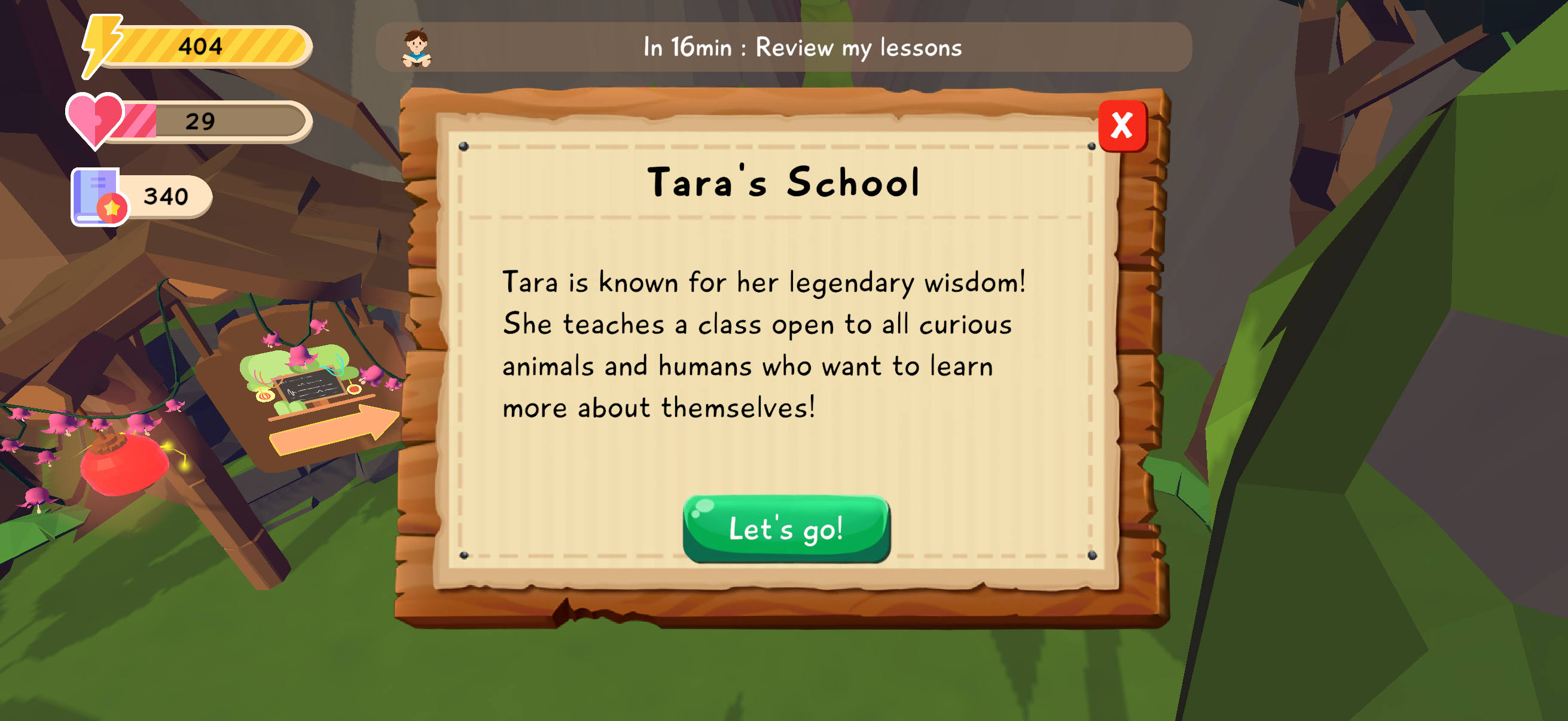
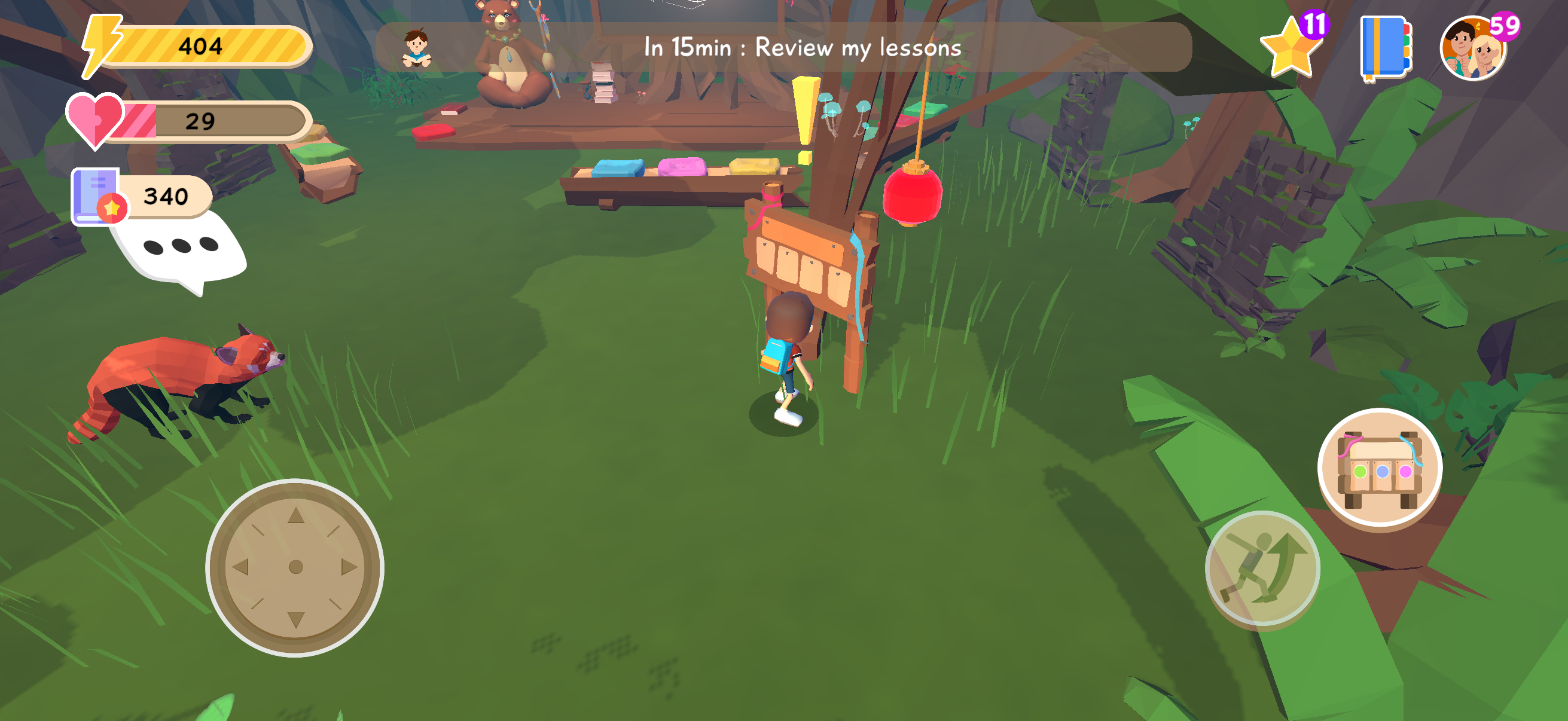
Section titled “Explore lessons, stories, quizzes, and rewards”Once inside Tara’s School, the child walks to the sign hanging on the tree. This sign is the access point to the school’s learning content. By pressing the button that appears on the right, the child opens the interface with lessons, stories, quizzes, and the rewards tab.
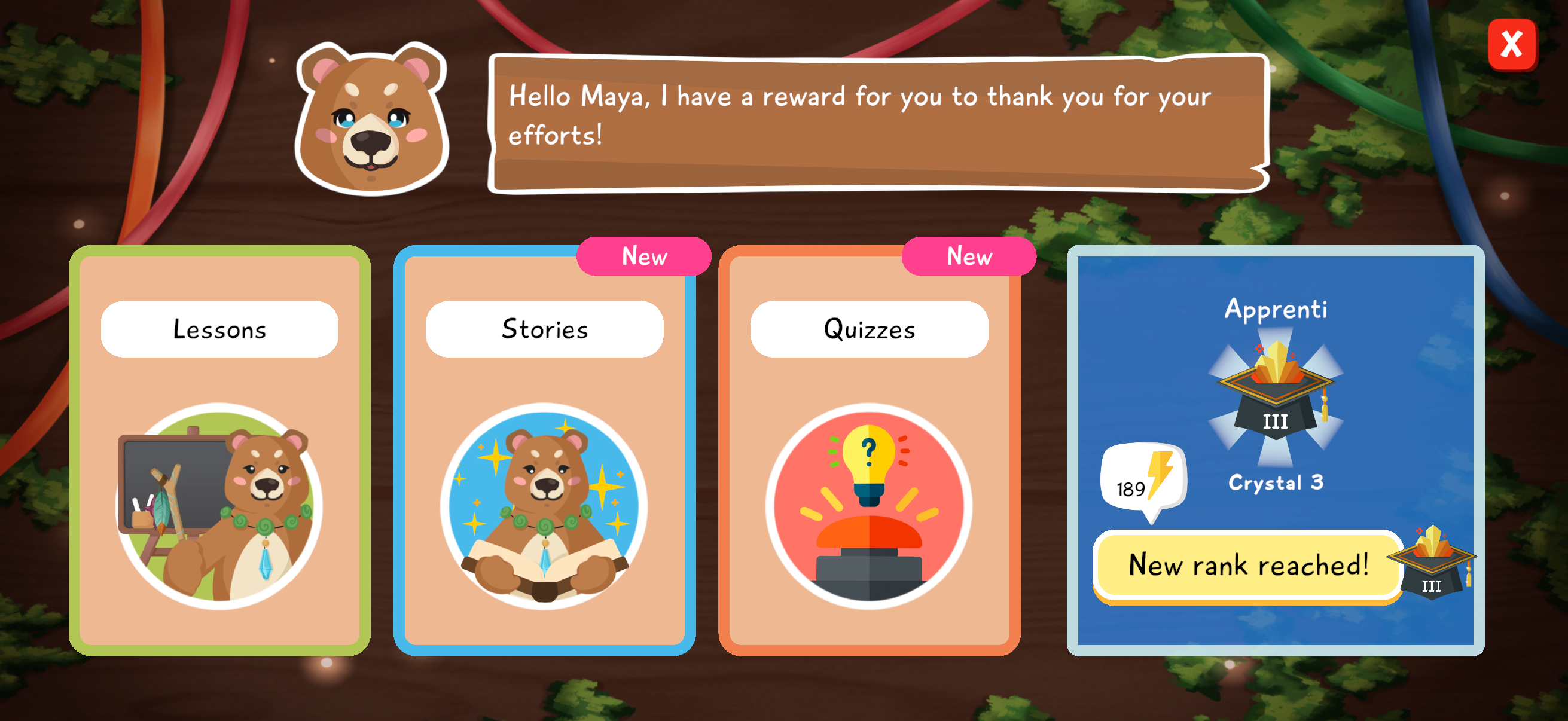
The next screen gathers the three learning formats: lessons, which explain ideas; stories, which place them in a narrative situation; and quizzes, which help the child check what they understood. The rewards tab also shows the special bonuses the child can unlock by progressing with Tara.
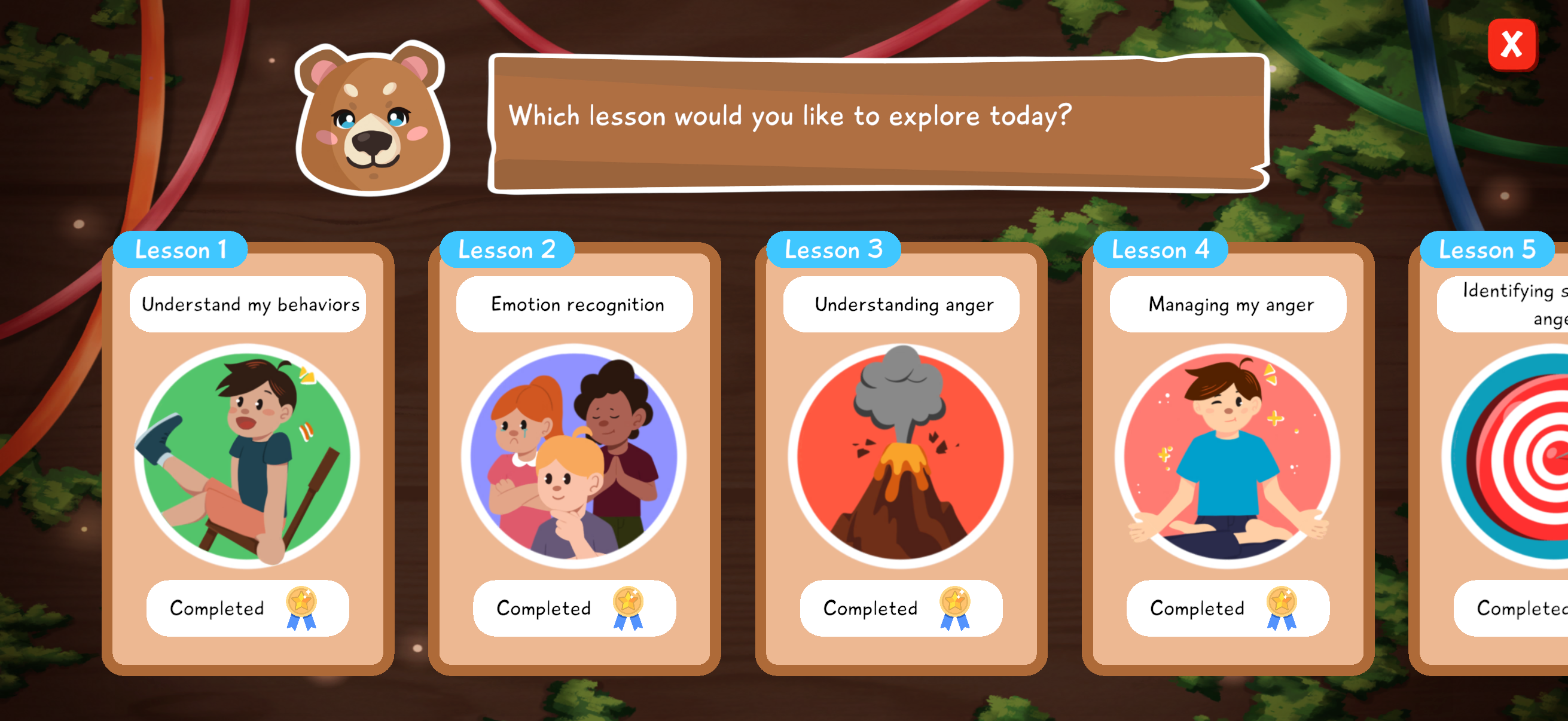
The child then chooses a lesson in the order suggested by Tara. Module by module, they progress in understanding emotions, especially anger, and in navigating interactions with others. Lessons introduce ideas, stories place them in a narrative situation, and quizzes help the child reuse what they understood.
Talk with Tara
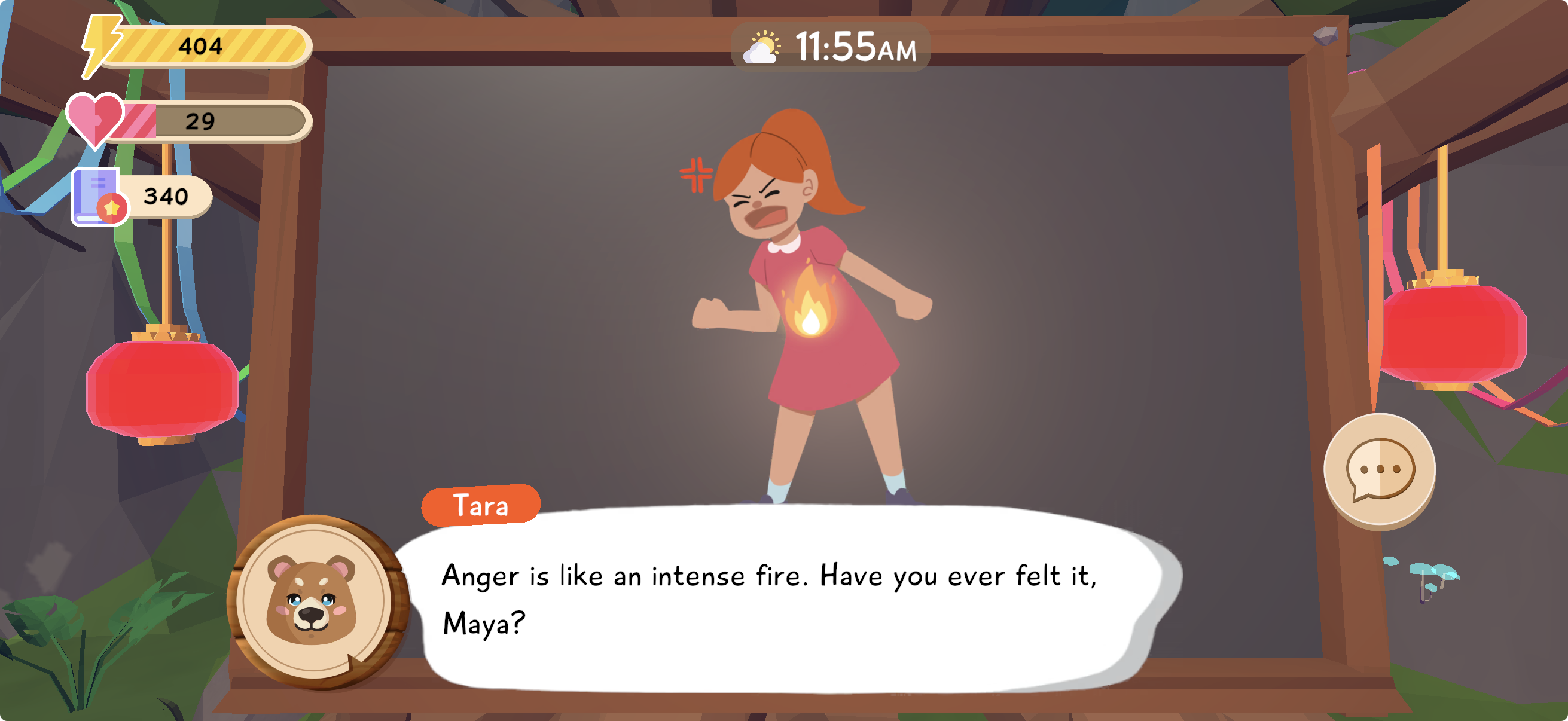
Section titled “Talk with Tara”The child goes to Tara and starts a discussion. The dialogue is interactive and illustrated: Tara introduces an idea, gradually checks whether the child is following, and adapts the pace of the exchange. If a concept is unclear, the child can hear it reformulated or explained in another way. Repetition helps children who need to consolidate the idea; shortcuts let children who are more comfortable or more mature move ahead without repeating everything.
Tara then lets the child interact with the selected content: lesson, story, or quiz. The goal is for the child to understand an idea, recognize it in a story, then use it in a quest where they help another character. This progression encourages the child to move from “I heard the information” to “I can use it to understand a situation”.
Tara’s Rewards
Section titled “Tara’s Rewards”Progress through Tara’s content lets the child earn bear paws. These bear paws are visible in the rewards area available from the school panel.
 bear paws
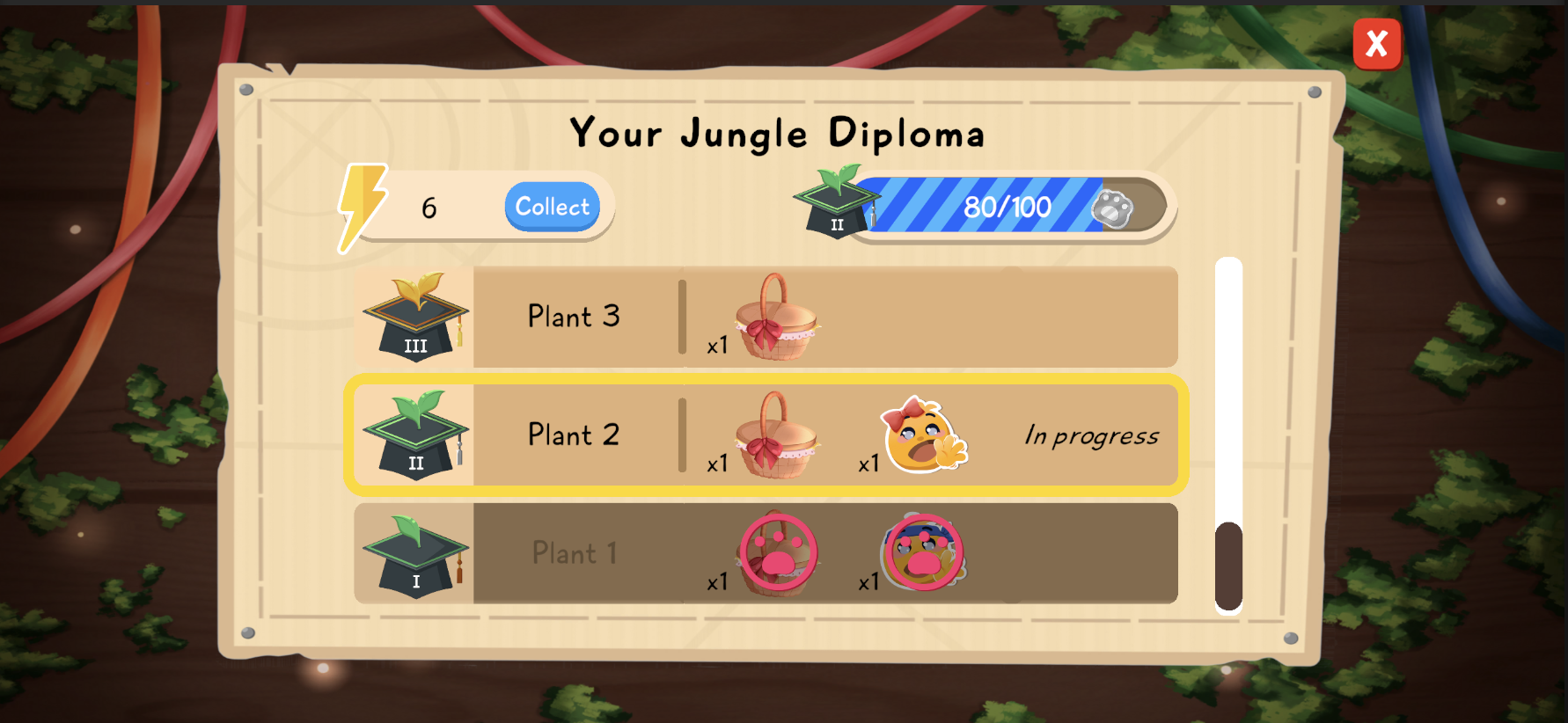
They have two main effects. First, they can unlock energy, which lets the child explore the jungle for longer. Second, they move the player through milestones, like diplomas earned in Tara’s School.
 energy
Each time a new milestone is reached, the child can receive a Tara basket. This basket contains useful adventure items, such as gemstones, dyes, food, or other game resources. Rewards therefore keep a direct link between psychoeducational learning and progress in the world of Lusha.
Talk with Pana
Section titled “Talk with Pana”Pana is an animal who studies at Tara’s School alongside your child. She has difficulties managing emotions, relationships with others, or more broadly some everyday behaviors.
When Pana has a new quest unlocked or new content available, a speech bubble with three small dots appears above her. This tells the child they can go talk to her and start the next part of the story.
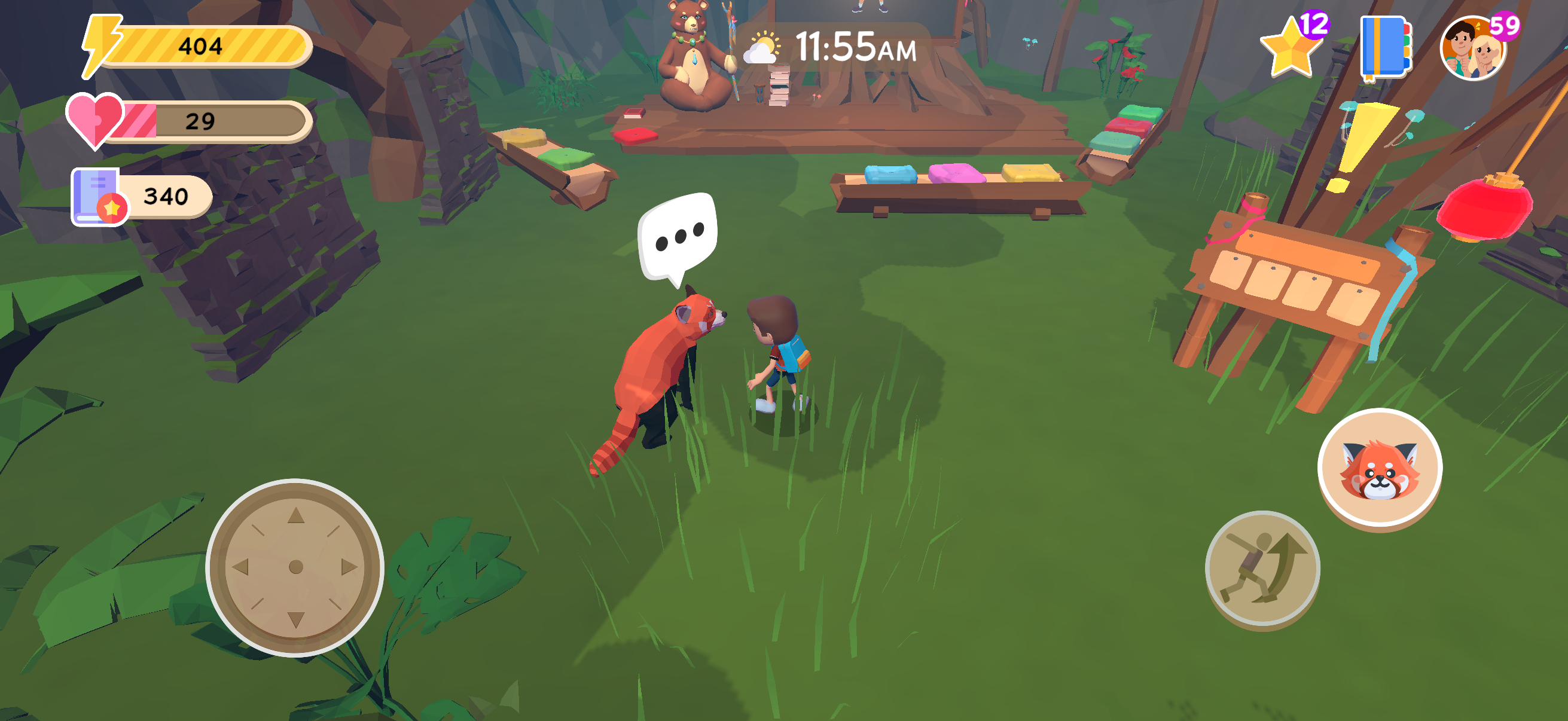
Your child helps Pana solve problems through quests. Some quests can last several days: they may require finding characters, collecting objects, and solving social problems. Pana’s quests are connected to the lessons your child learns with Tara, so the child can reuse new knowledge in a concrete situation.
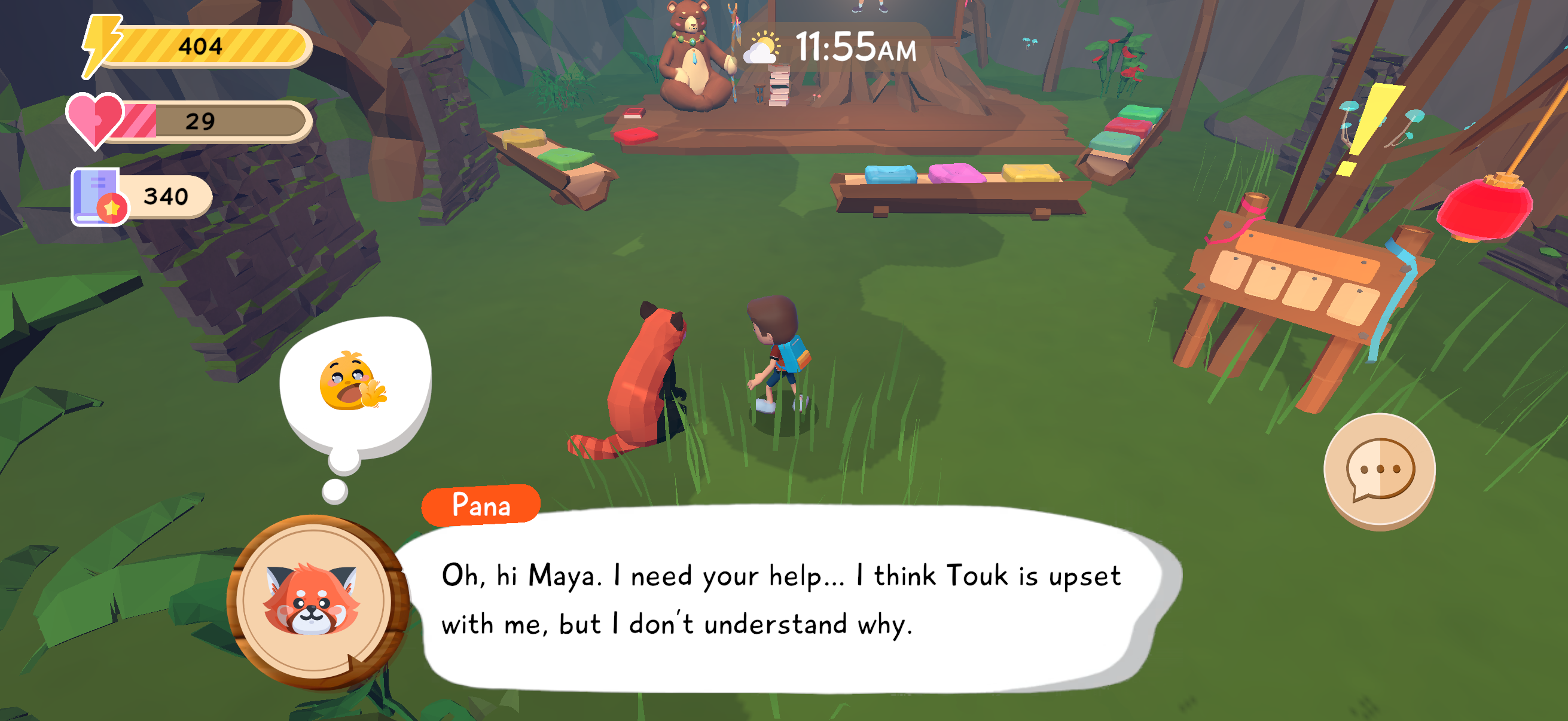
When Pana’s problems are solved, the child receives special rewards. The goal is to strengthen the child’s sense of competence: they are not only completing a lesson, they are helping a character progress thanks to what they understood.
Follow progress as a parent
Section titled “Follow progress as a parent”In the parent interface, click Emotions to see the latest modules completed by the child. This view acts as a dashboard: it shows where the child is in the pathway, which modules have already been opened, and which recent learning points can be brought back into family conversation.
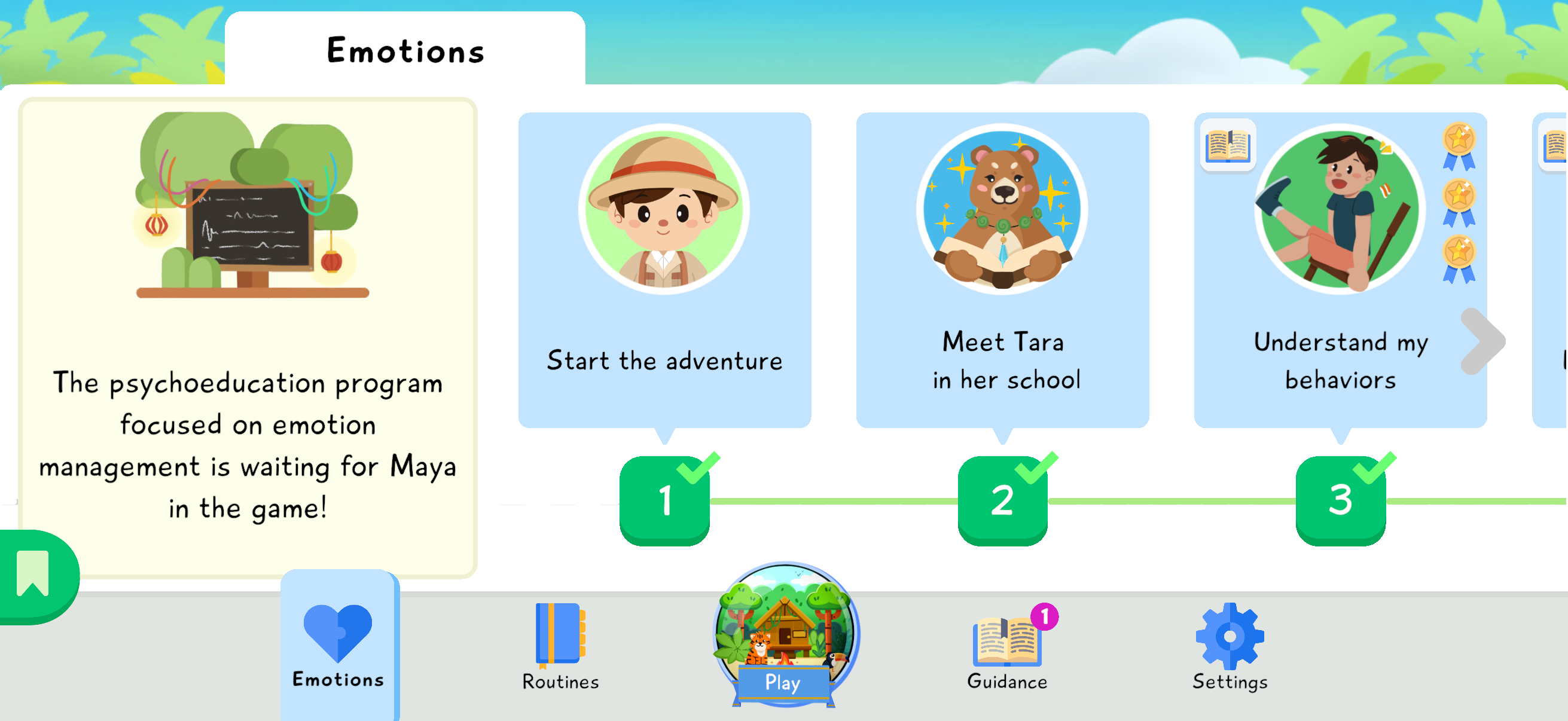
To see the learning details, click the small journal at the top left of each lesson. You can see whether the child completed the lesson, quizzes, and story. This helps distinguish a module that was only started from a module explored through its different formats.
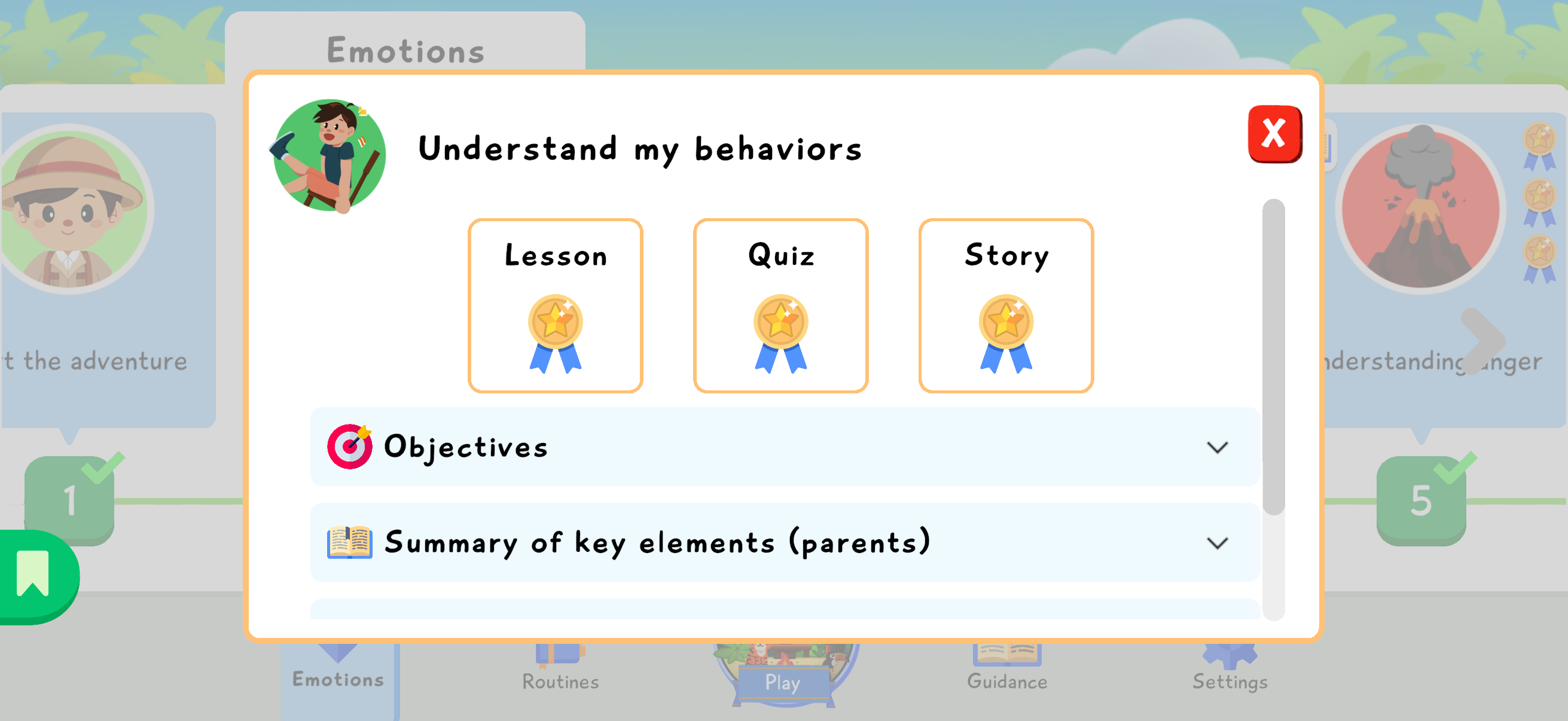
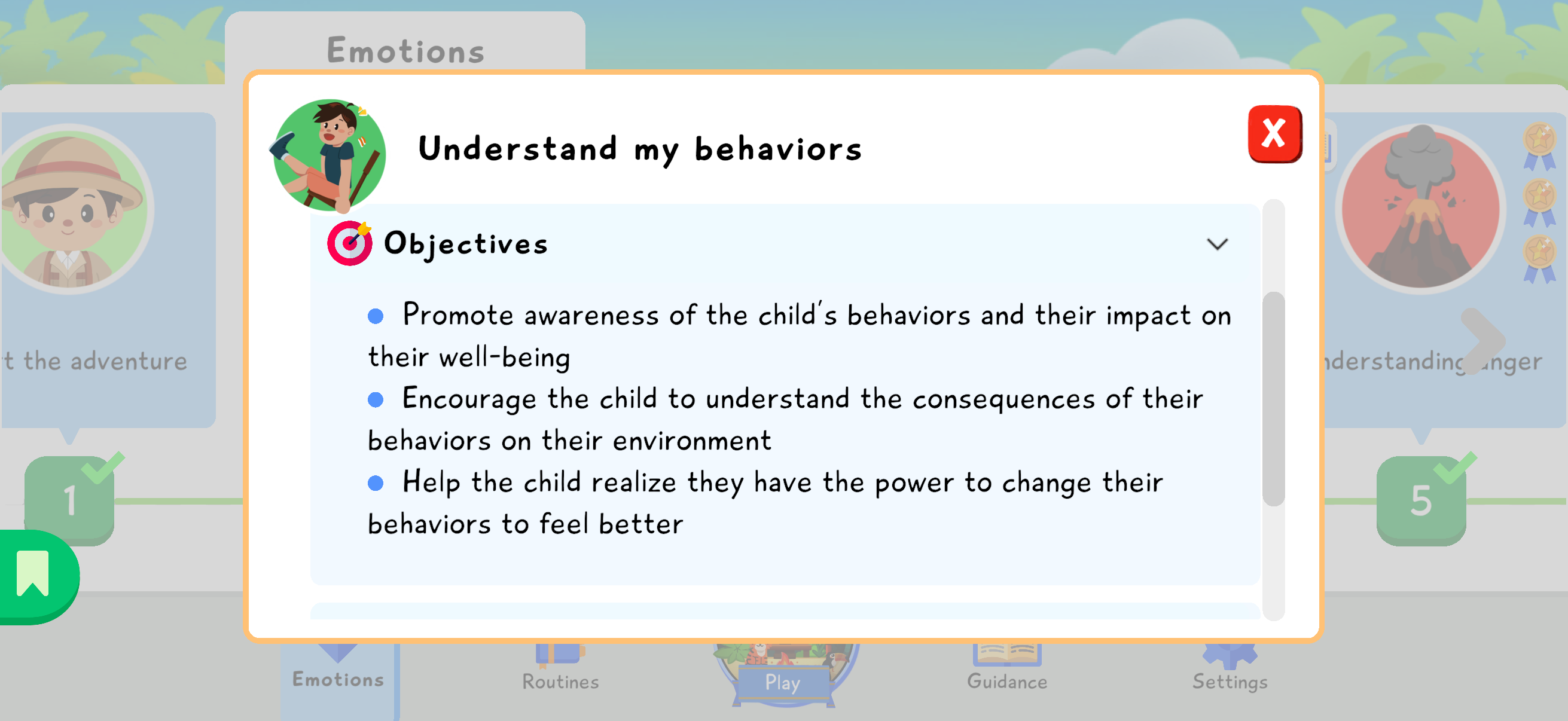
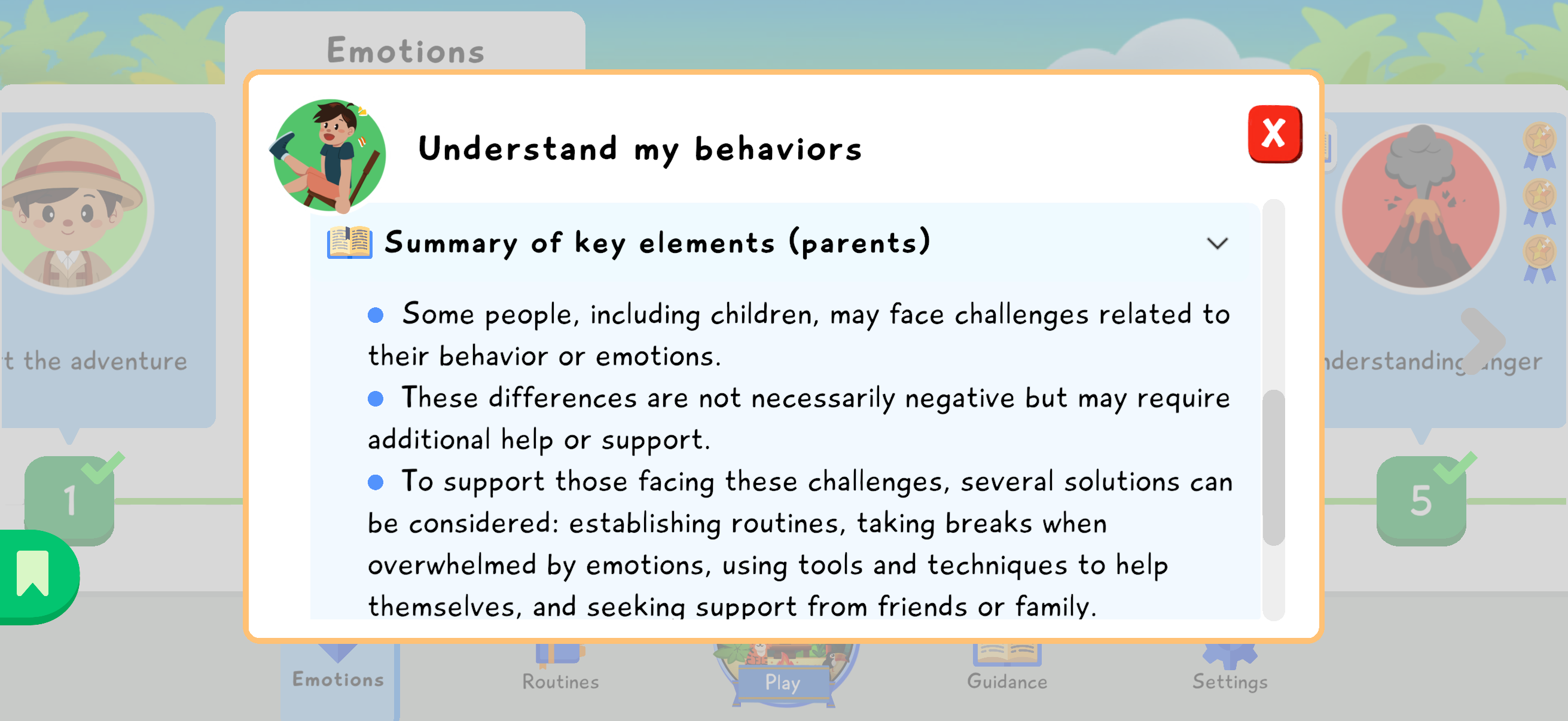
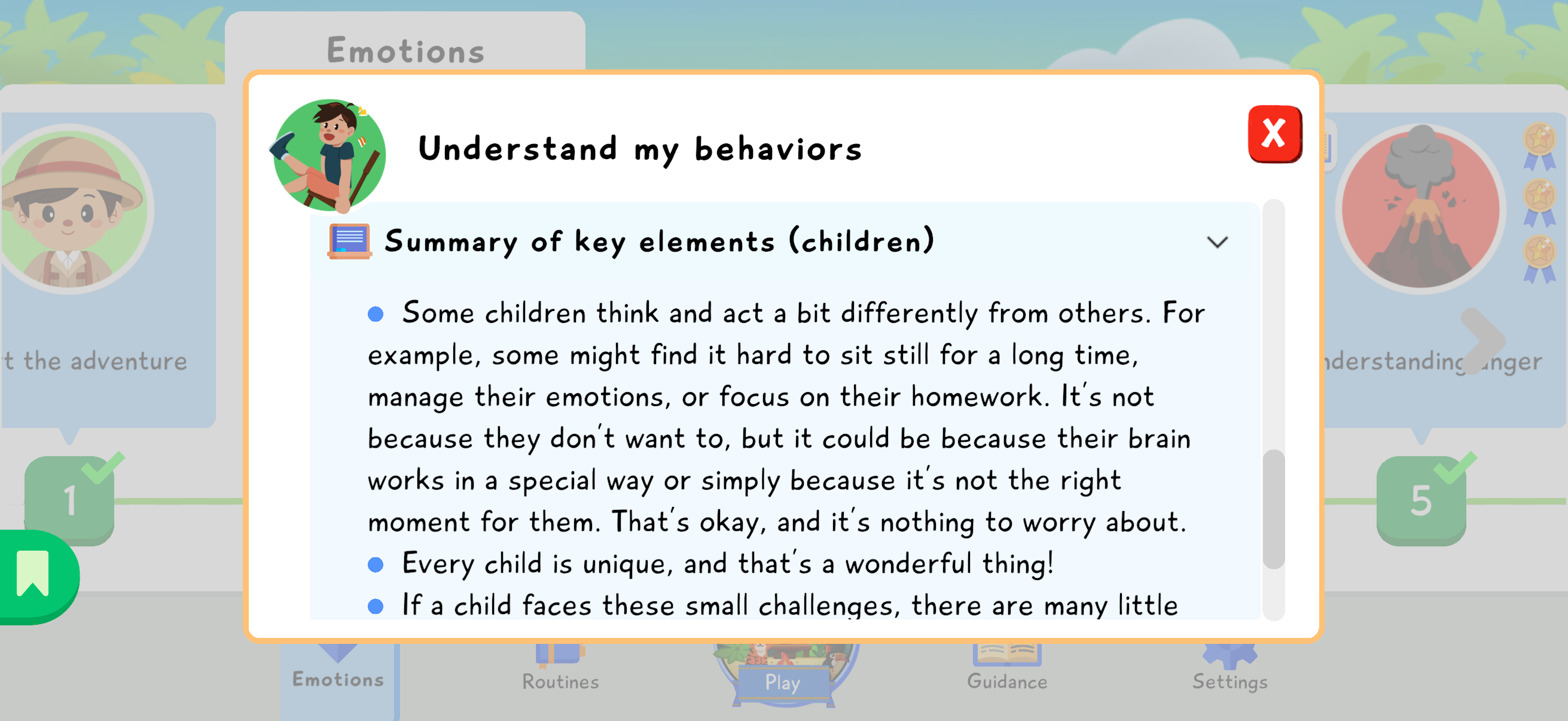
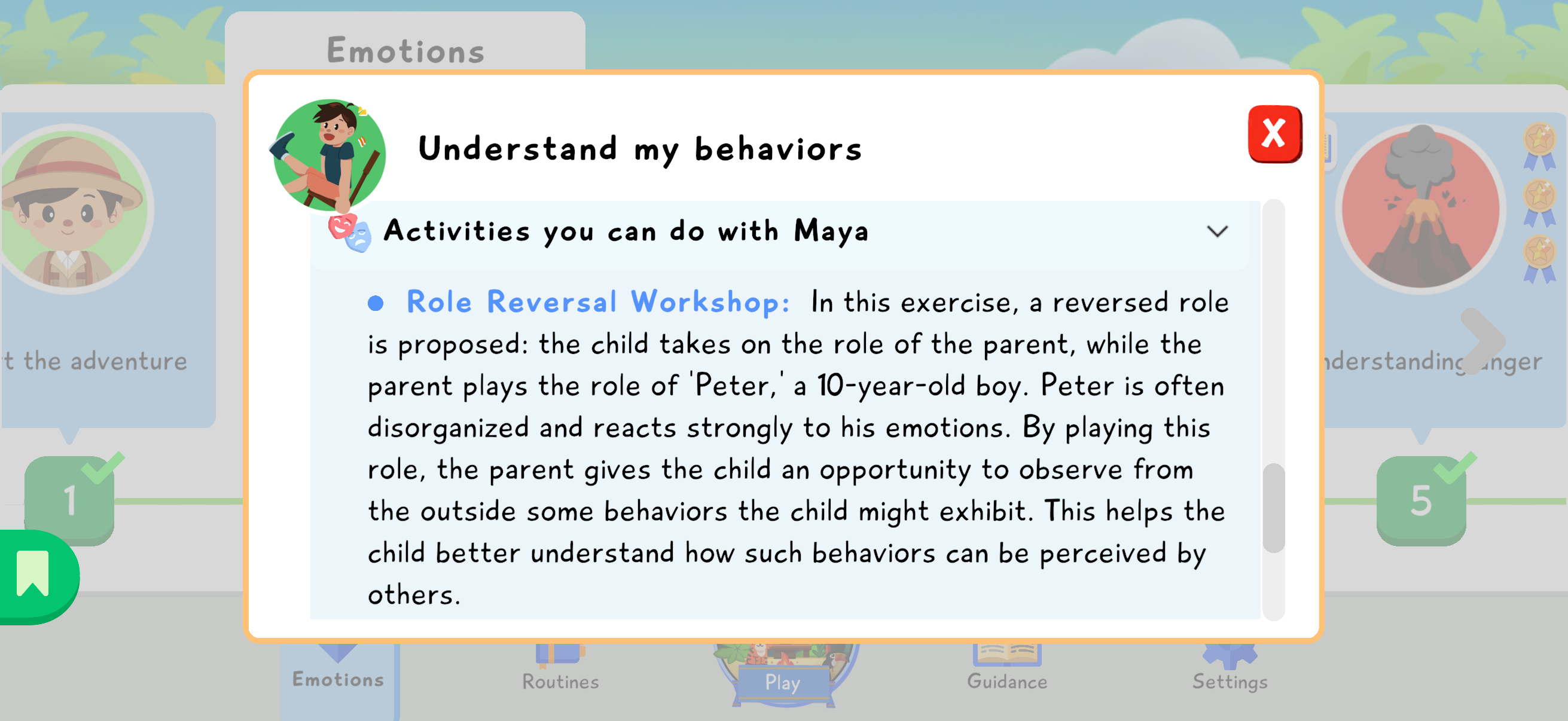
The journal also includes objectives, a parent summary, a child-friendly summary, and ideas for mini-exercises to try at home. These details help the parent turn the game content into concrete everyday conversations without having to guess what the child saw with Tara.
Good practices
Section titled “Good practices”- Talk with the child about what they understood during their discussions with Tara.
- Ask whether they recognize some behaviors in themselves, when these behaviors happen, and whether they have ever felt uncomfortable or difficult for them or for others.
- Encourage a simple rhythm, such as one module per week, so there is time to talk about it and reuse the ideas in everyday life.
- Revisit past modules regularly, especially stories, which are easy and pleasant to listen to several times.
- Use the mini-exercises as short practice moments, without turning learning into a test.